In this tutorial we will show you how to properly disconnect from VPS (Forex VPS server) session.
There are 2 ways on properly disconnecting from your VPS
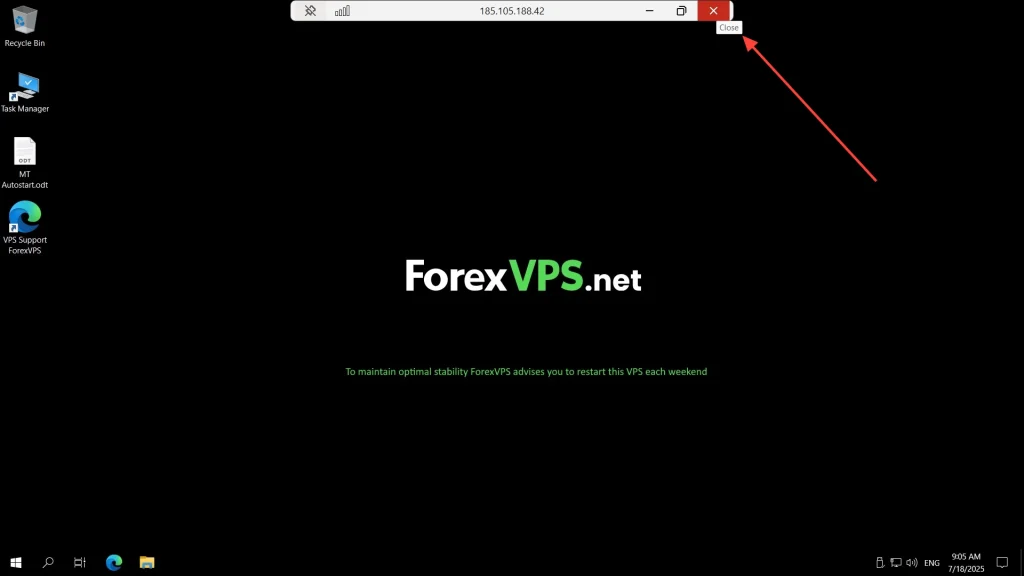
Full screen view
- Close button or X mark is located in the top middle pane.
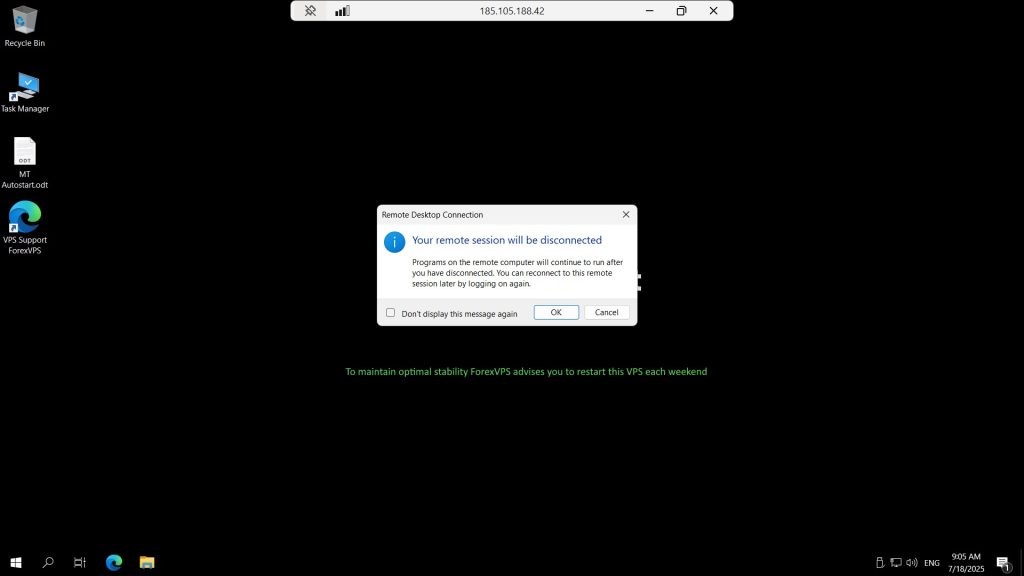
- Click OK to exit from the VPS
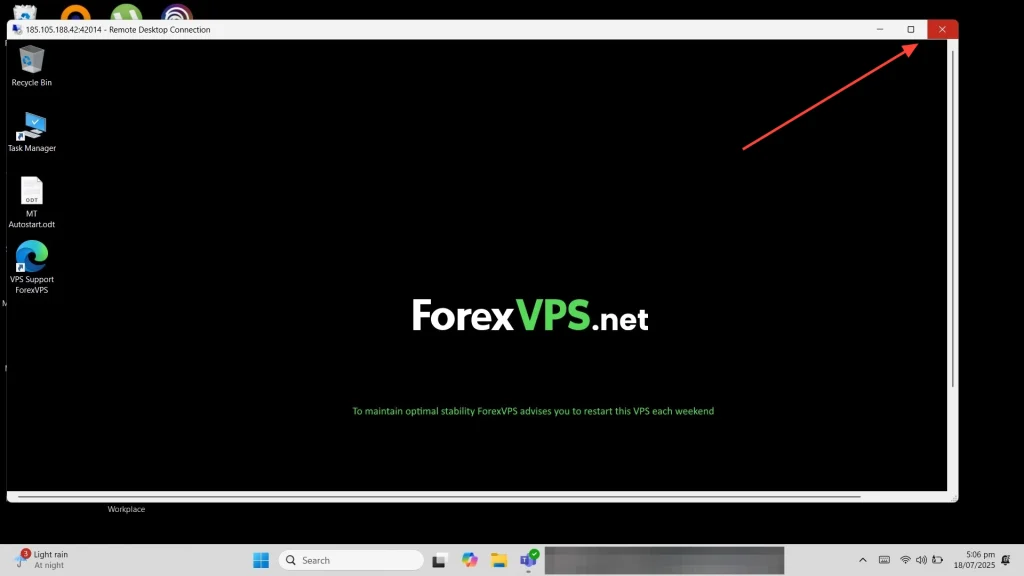
Window view
- Close button or X mark is located on the top right corner
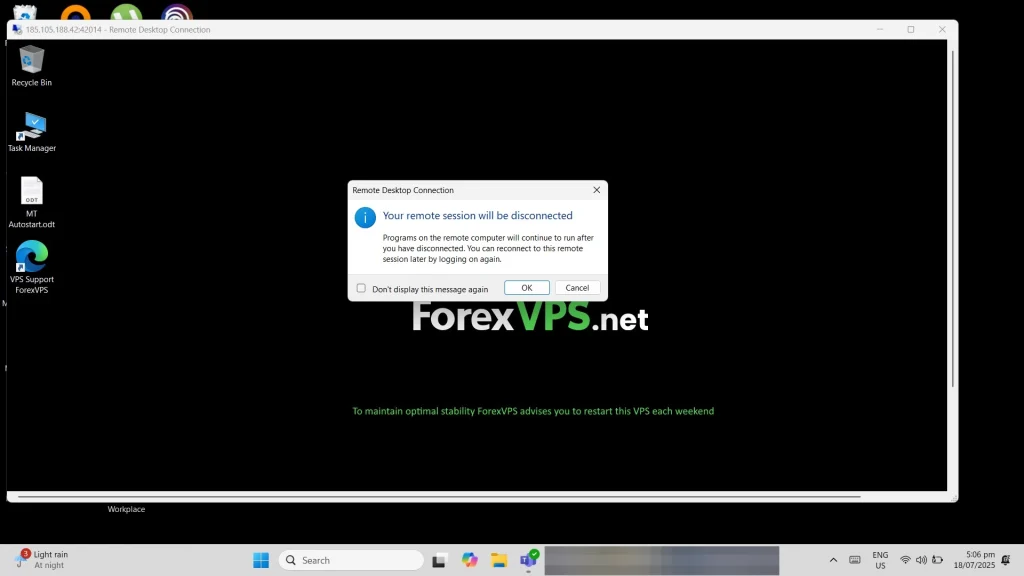
- Click OK to exit from the VPS
That’s it!
You can reconnect anytime to your VPS to check if your trading platforms.