
Learn how to cancel your ForexVPS subscription from the client area, including cancellation timing and payment cleanup.
You can cancel your ForexVPS subscription directly from the client area in a few steps. This guide covers requesting cancellation, choosing your cancellation timing, and cleaning up any automated payments.
Before you start: If you have multiple ForexVPS instances, check the IP address on each service to confirm you’re cancelling the correct one.
What You’ll Need
- Your ForexVPS client area login
Part 1: Locate Your ForexVPS Service
Step 1: Log in to your client area
Go to forexvps.net and log in to your client area.
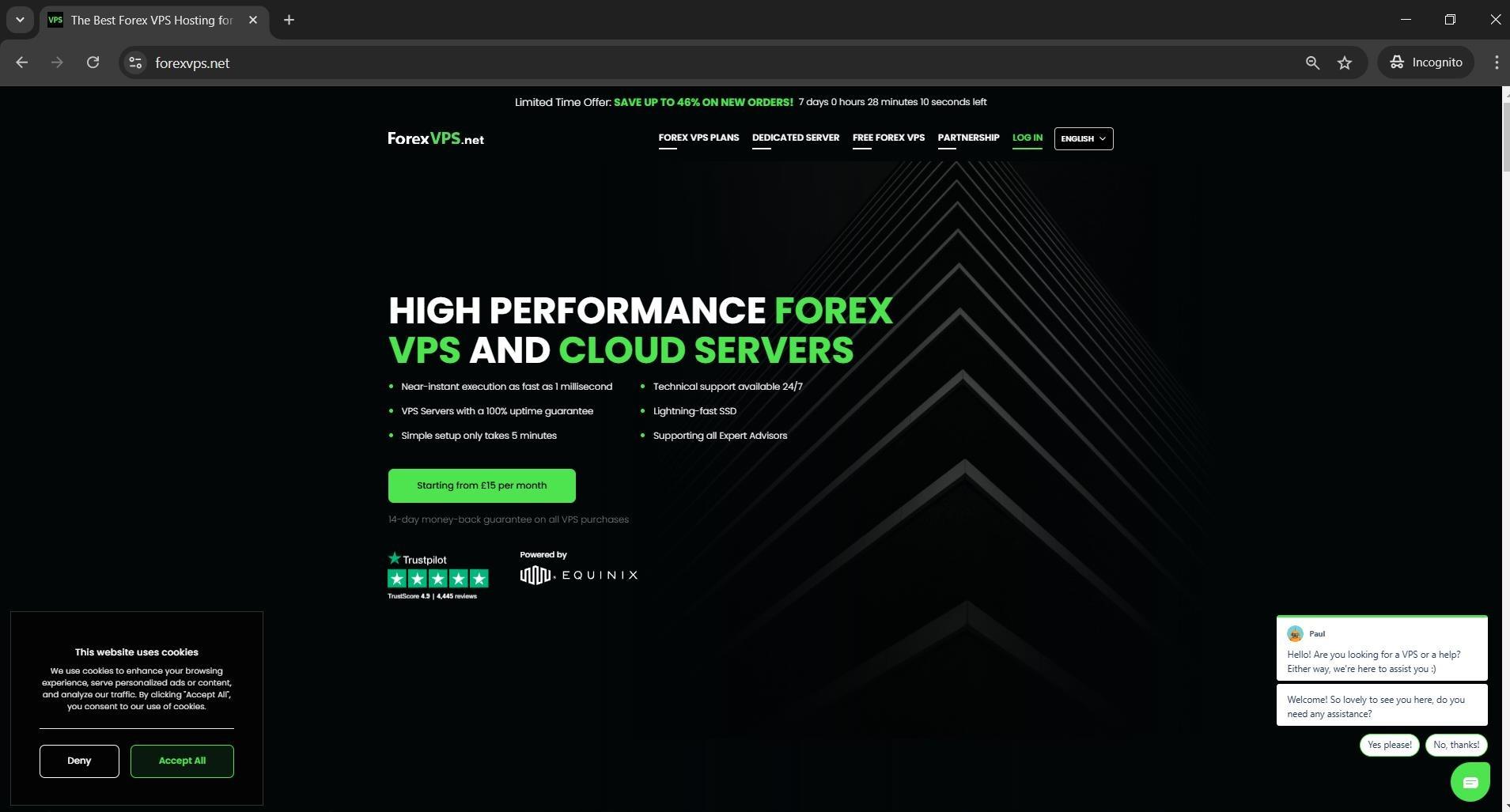
Step 2: Enter your credentials
Type in your Email address, password, and the captcha, then click Login.
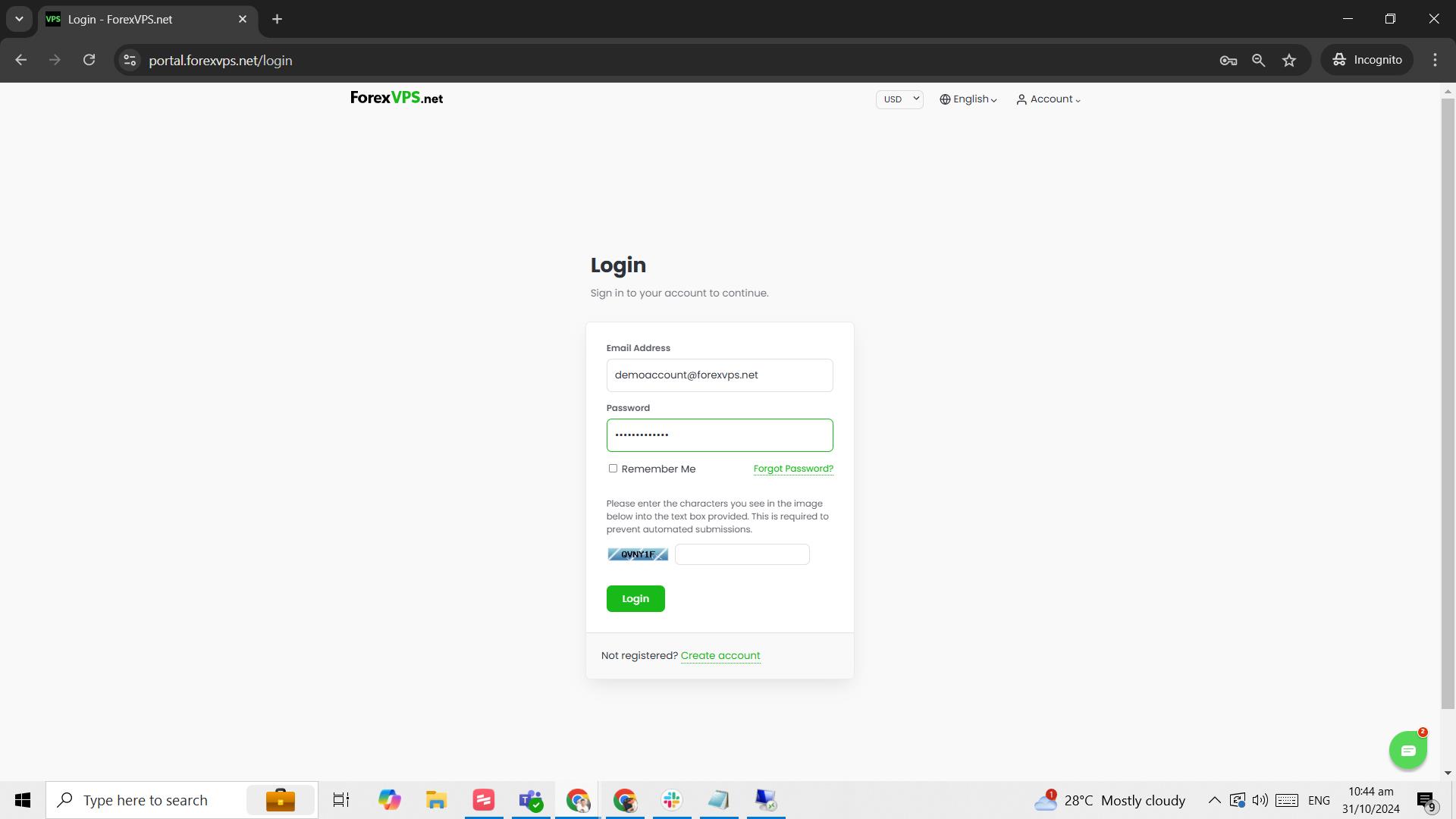
Step 3: Click on the VPS tab
Click on the VPS tab.
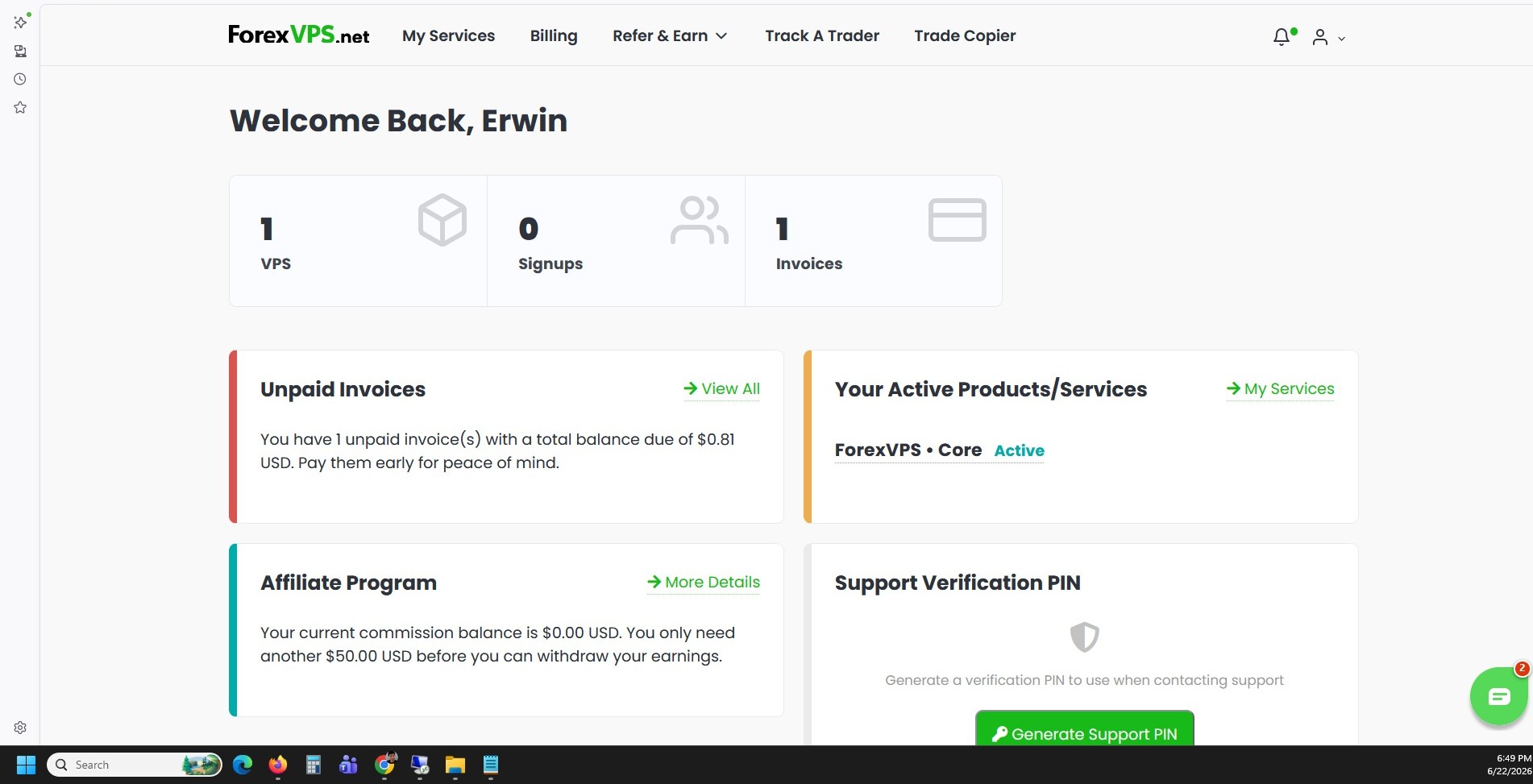
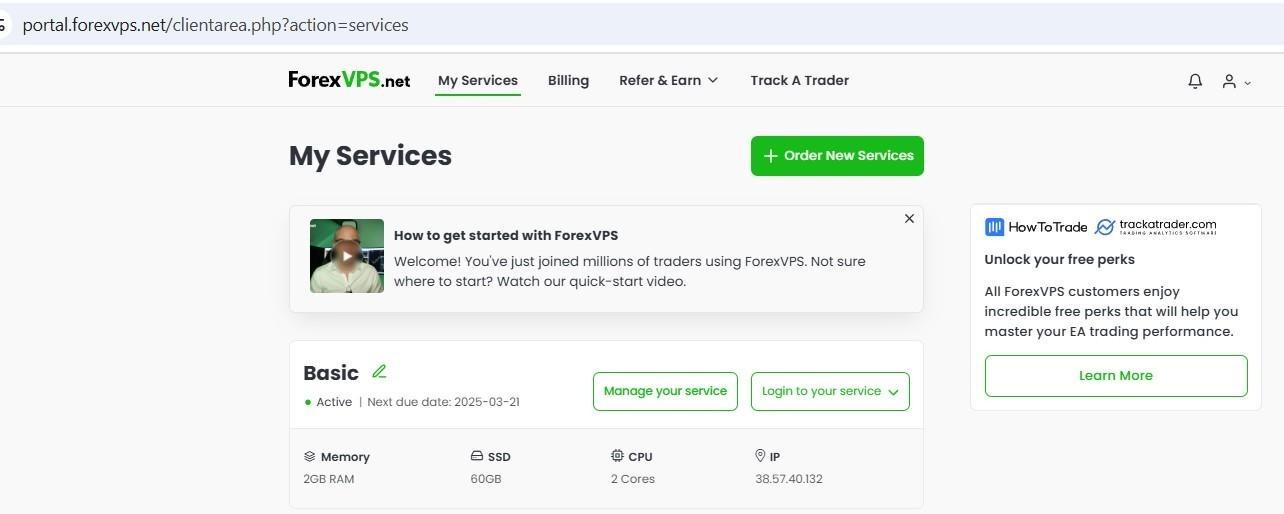
Step 4: Select your ForexVPS and click Manage your service
Select which ForexVPS you want to access (if you have multiple) and click Manage your service. For multiple plans, check the corresponding IP address to confirm you’re viewing the right ForexVPS.
Part 2: Request Cancellation
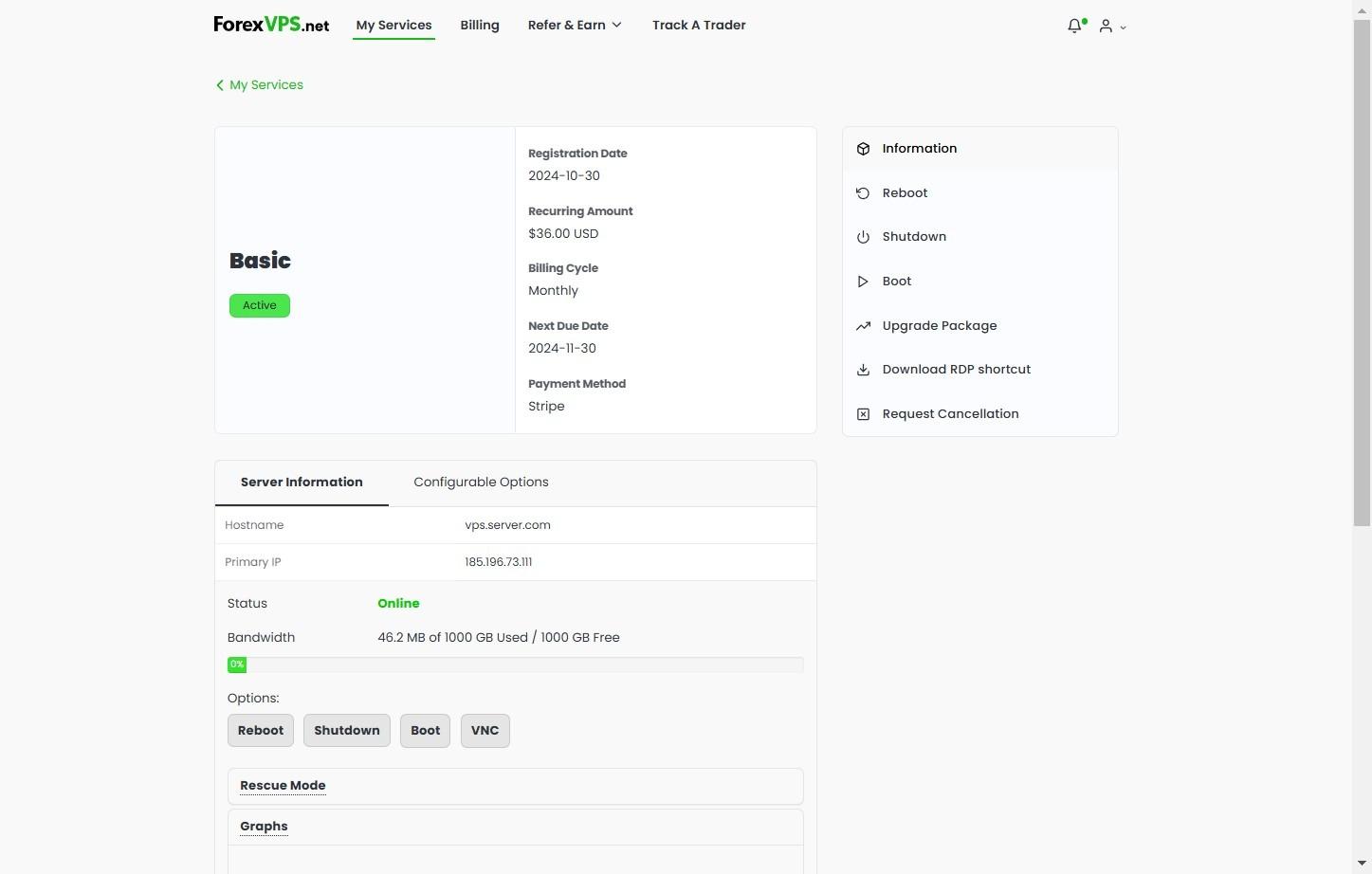
Step 5: Click Request Cancellation
Click on Request Cancellation.
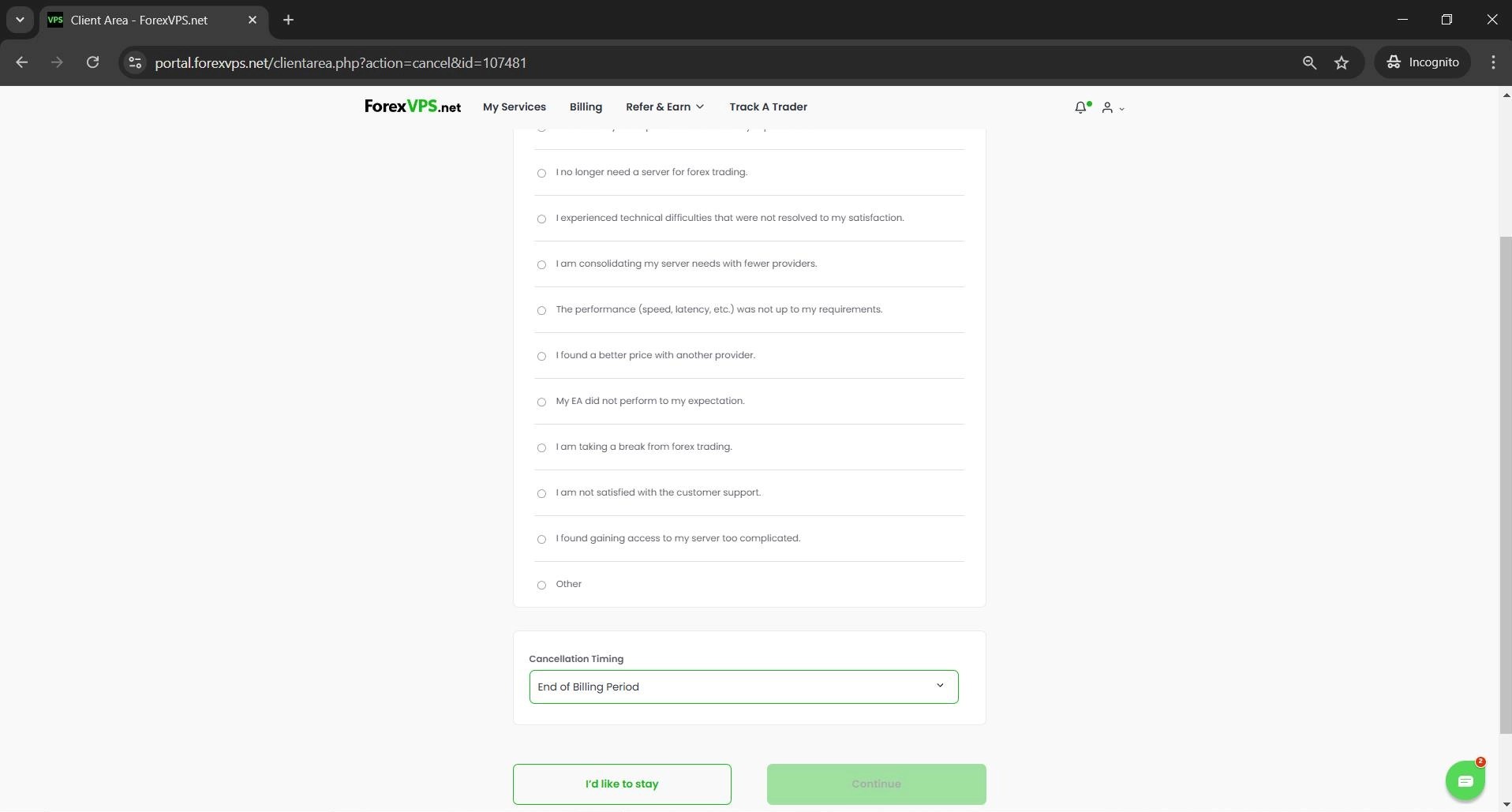
Step 6: Choose the reason for cancellation
Choose the reason for cancellation from the list.
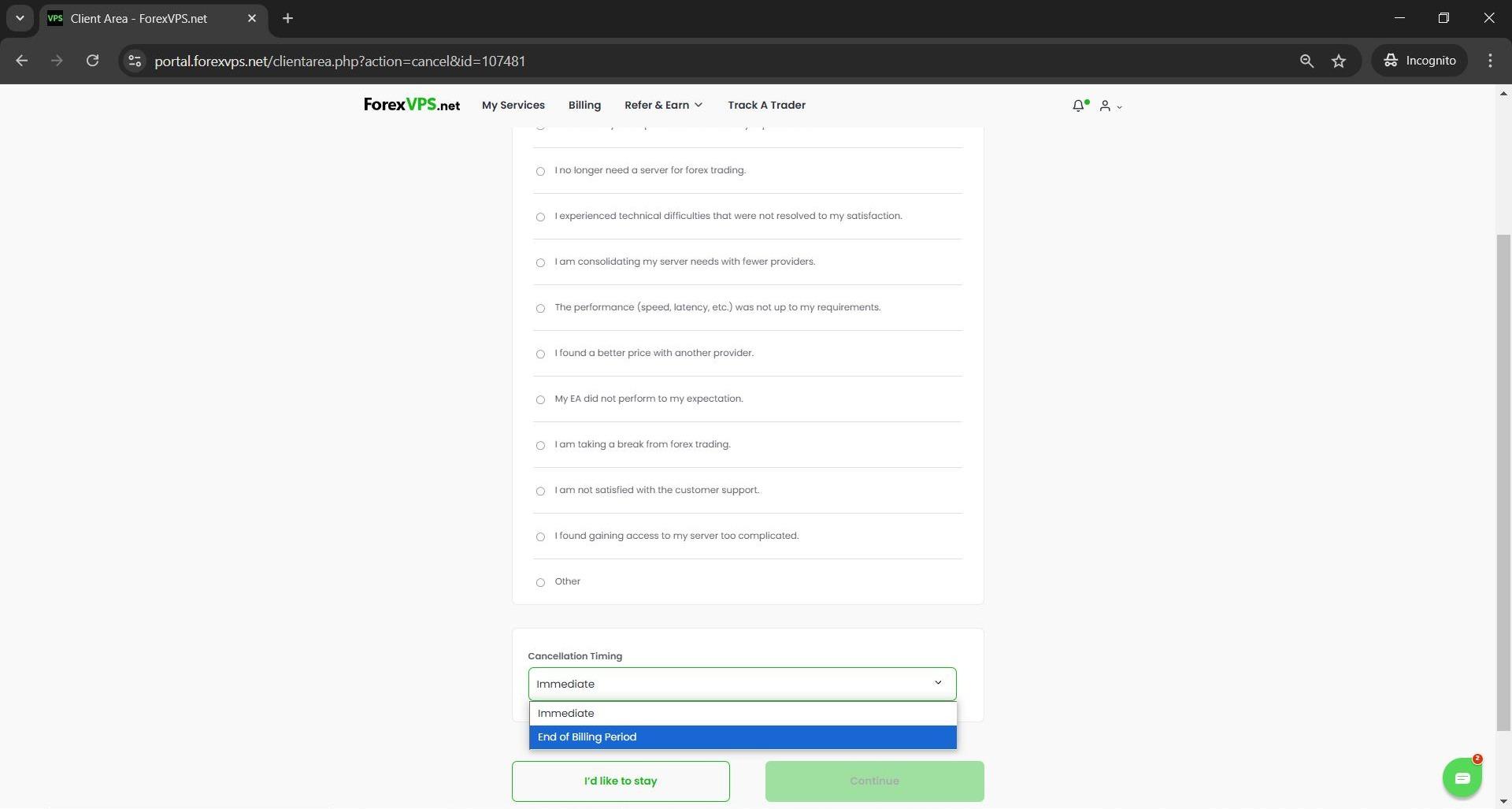
Step 7: Choose the cancellation timing
Choose the Cancellation Timing: Immediate cancels and terminates your ForexVPS within 24 hours, while End of Billing Period cancels your ForexVPS on its due date.
Step 8: Click Continue
Click Continue.
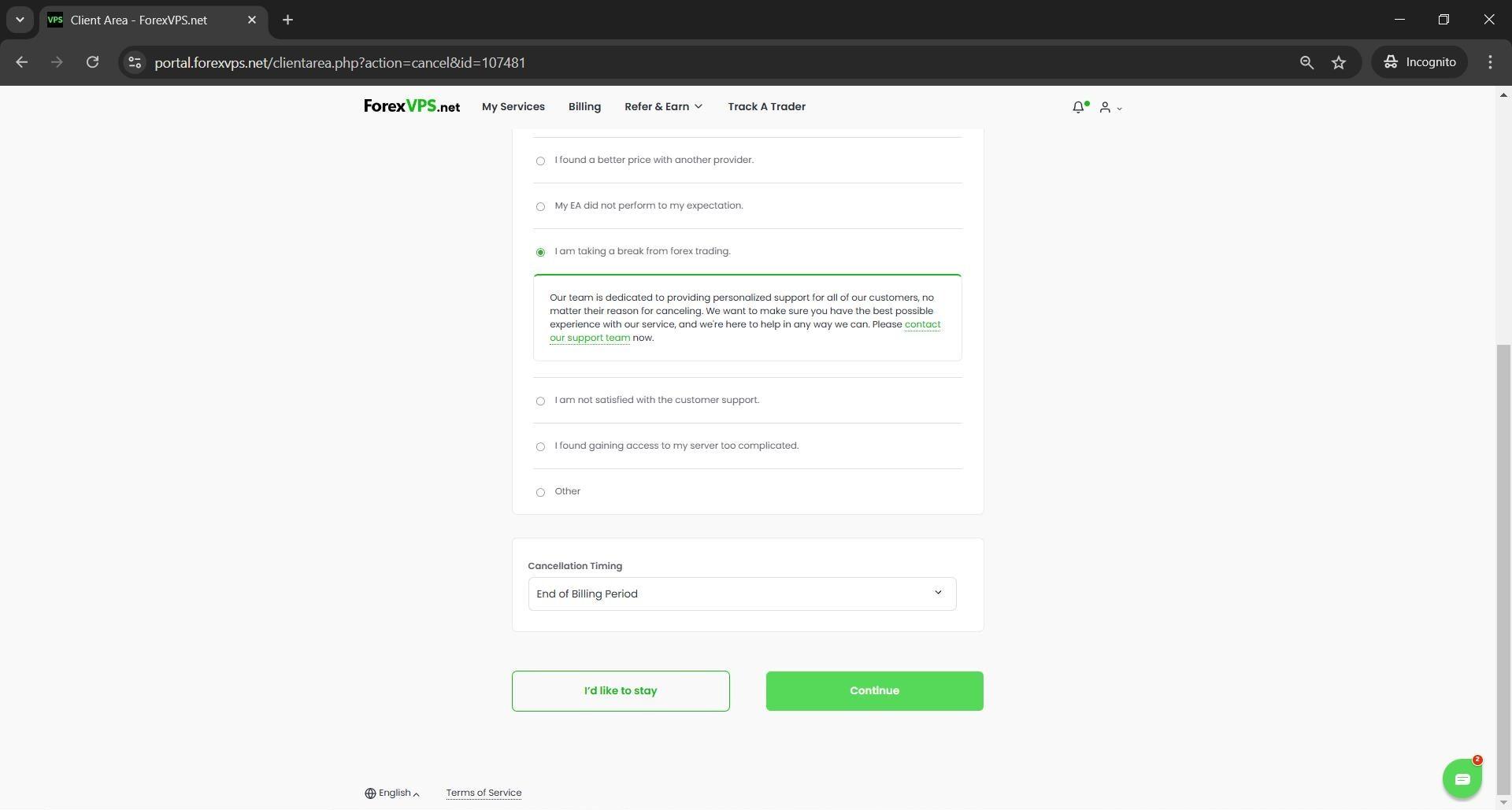
Step 9: Click Continue again
Click Continue again to proceed to the final confirmation.
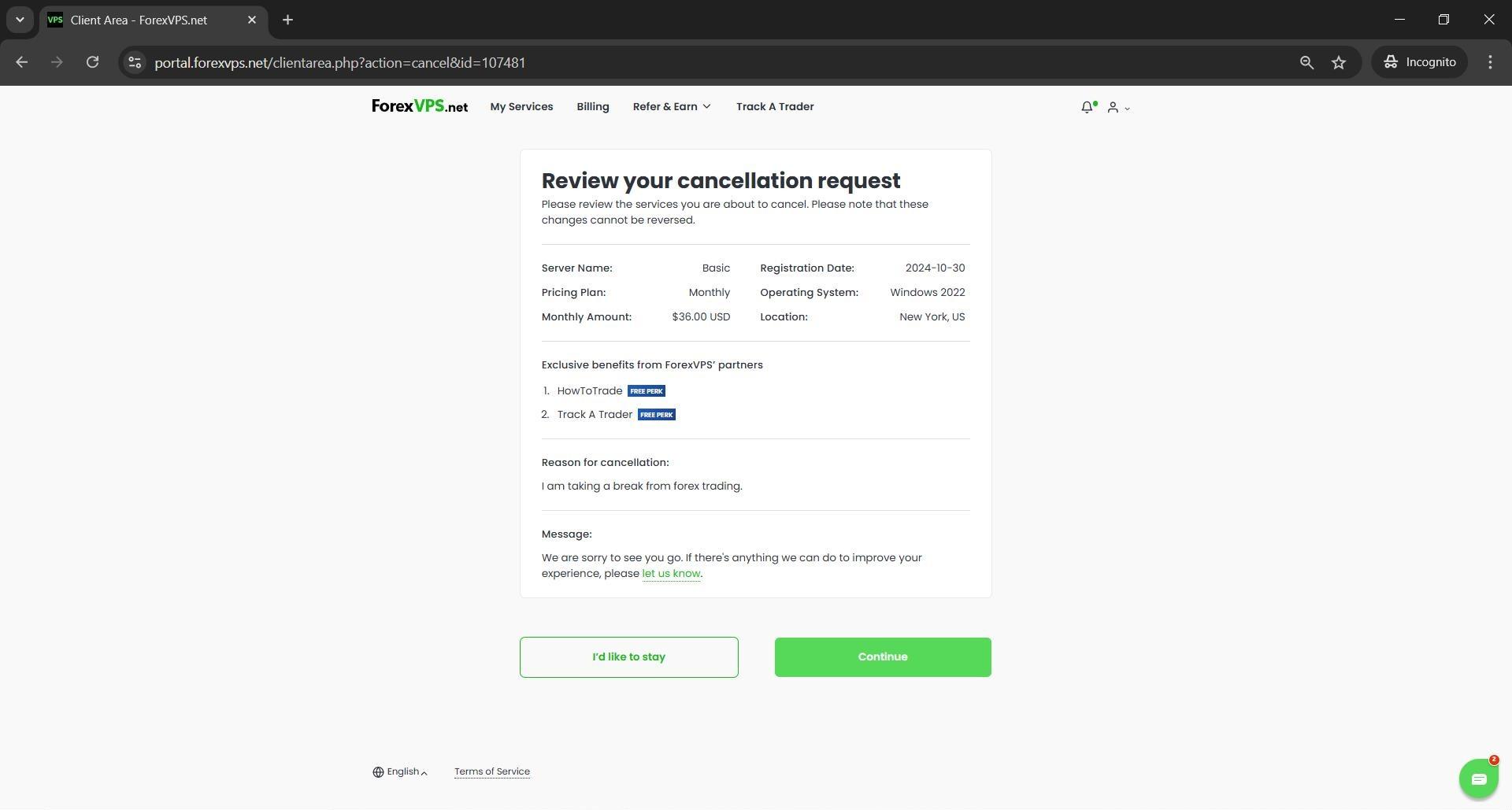
Step 10: Confirm by clicking “I want to cancel my server”
Click “I want to cancel my server” to submit the cancellation.
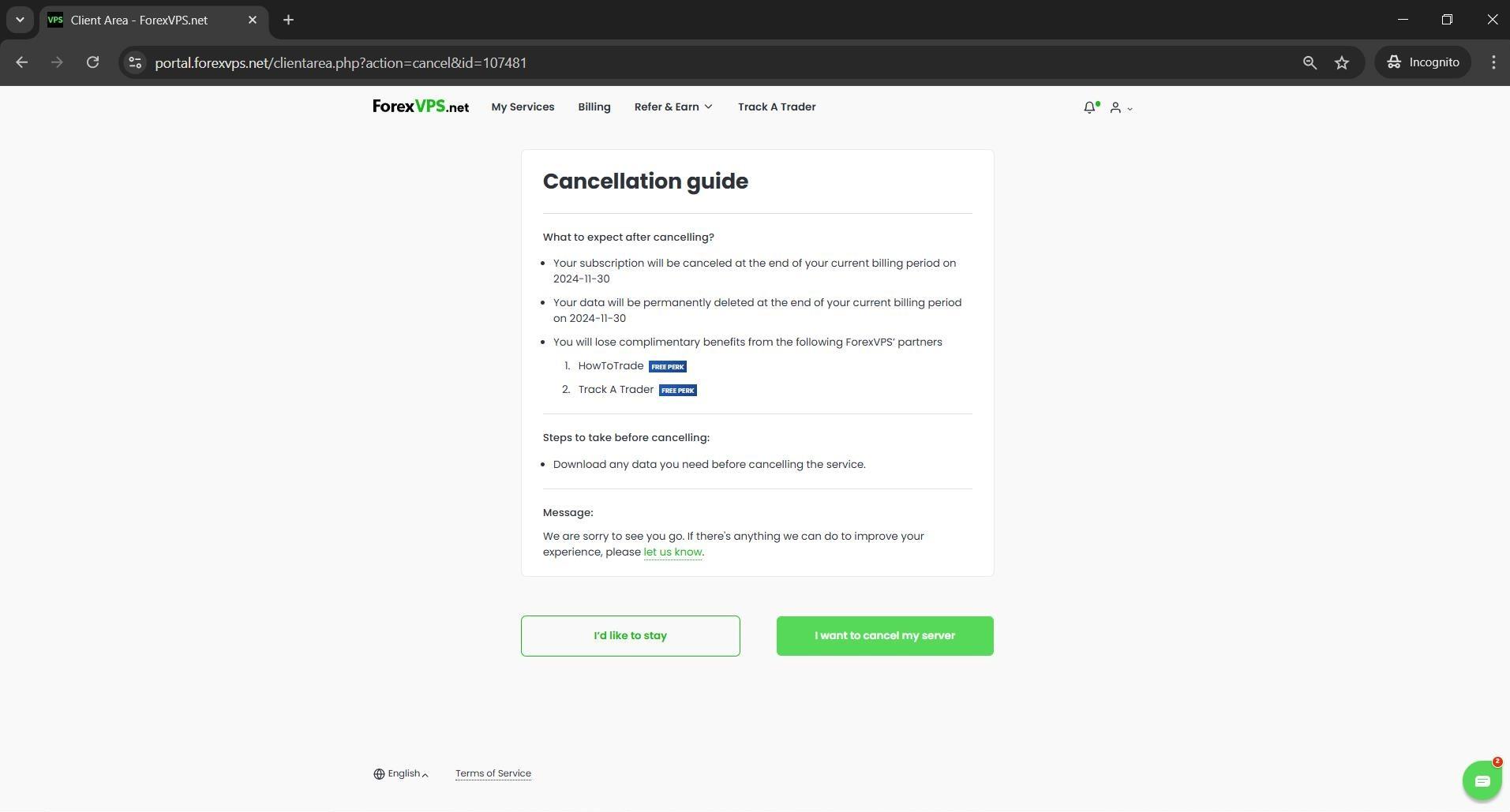
Payment cleanup tip: If you have an automated payment set up through PayPal, cancel it directly in your PayPal payment list. If your card is saved on file, payment will continue automatically unless removed — remove it at portal.forexvps.net/account/paymentmethods.
Step 11: Confirmation
You’ll see a confirmation that your ForexVPS has been successfully cancelled. You’ll also receive an email confirmation for your cancellation.
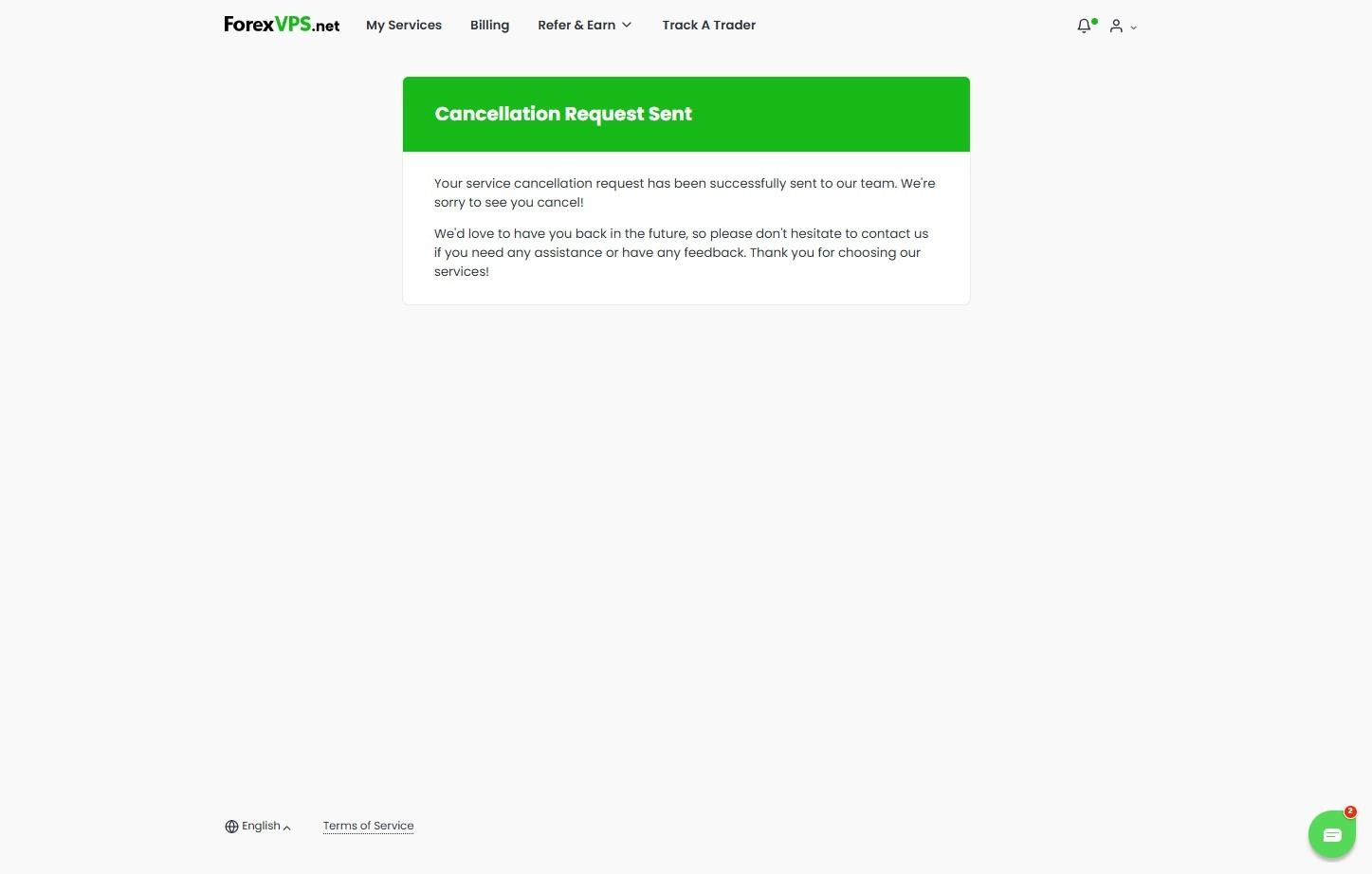
If you change your mind and want to remove the cancellation request, contact ForexVPS live chat support on forexvps.net for assistance.
Troubleshooting Subscription Cancellation Issues
Running into problems cancelling your ForexVPS subscription? Here are fixes for the most common issues.
| Problem | Likely cause | Fix |
|---|---|---|
| Cancelled the wrong ForexVPS | Multiple ForexVPS instances on the account | Contact live chat support immediately to reverse the cancellation request. |
| Still charged after cancelling | PayPal automated payment or saved card not removed | Cancel the PayPal subscription and remove your saved card via the payment methods page. |
| No confirmation email received | Email delayed or filtered | Check spam, or verify the cancellation status directly in the client area. |
Frequently Asked Questions About Cancelling Your ForexVPS Subscription
Still have questions about cancelling your ForexVPS subscription? Find quick answers below.
What’s the difference between Immediate and End of Billing Period cancellation?
Immediate cancels and terminates your ForexVPS within 24 hours. End of Billing Period keeps your ForexVPS active until its next due date, then cancels it.
Will I still be charged after cancelling if I have a saved card?
If your card is saved on file, payment continues automatically unless you remove it. Remove your saved card at the ForexVPS payment methods page.
Can I undo a cancellation request?
Yes. Contact ForexVPS live chat support to request removal of your cancellation before it takes effect.
Do I get a confirmation after cancelling?
Yes. You’ll receive an email confirmation of your cancellation shortly after submitting the request.