
Learn how to read your ForexVPS billing details — registration date, recurring amount, billing cycle, and due date.

Your ForexVPS billing details are all visible from a single settings screen in the client area. This guide shows you where to find them and what each field means.
Before you start: If you have multiple ForexVPS instances, make sure you’re viewing the correct one before checking billing details.
What You’ll Need
- Your ForexVPS client area login
Part 1: Navigate to Your VPS Settings
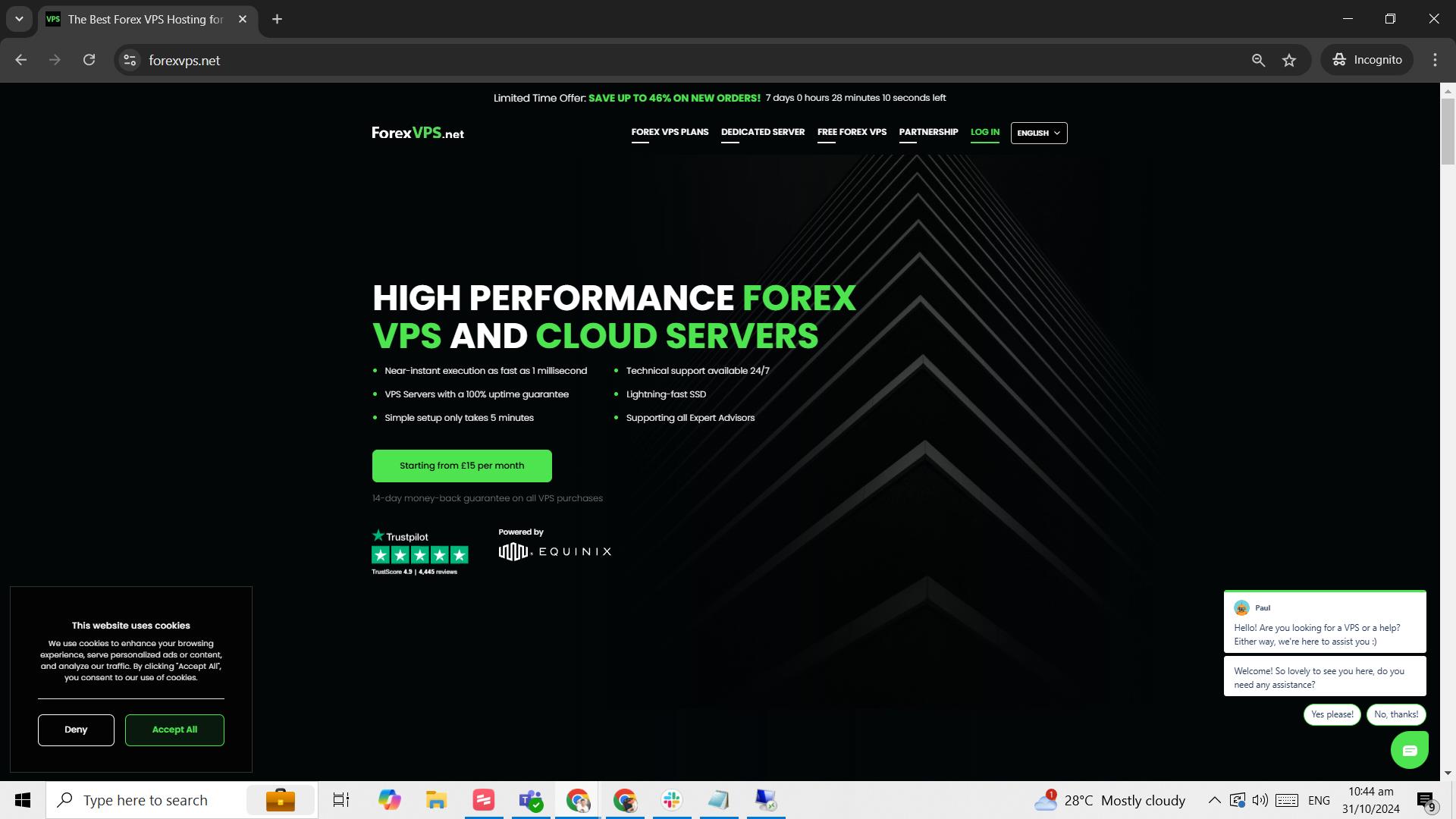
Step 1: Log in to your client area
Go to forexvps.net and log in to your client area.
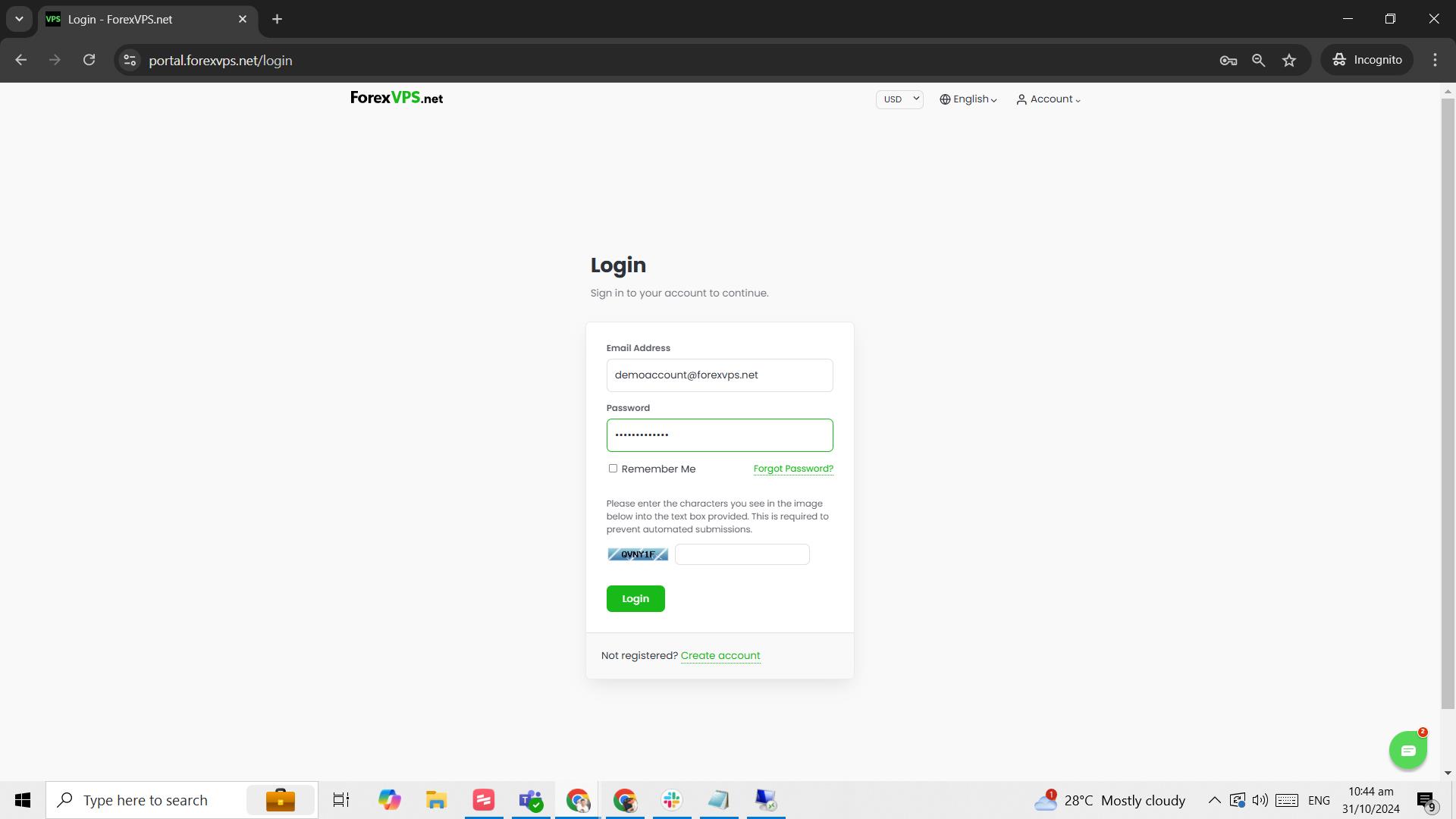
Step 2: Enter your credentials
Type in your Email address, password, and the captcha, then click Login.
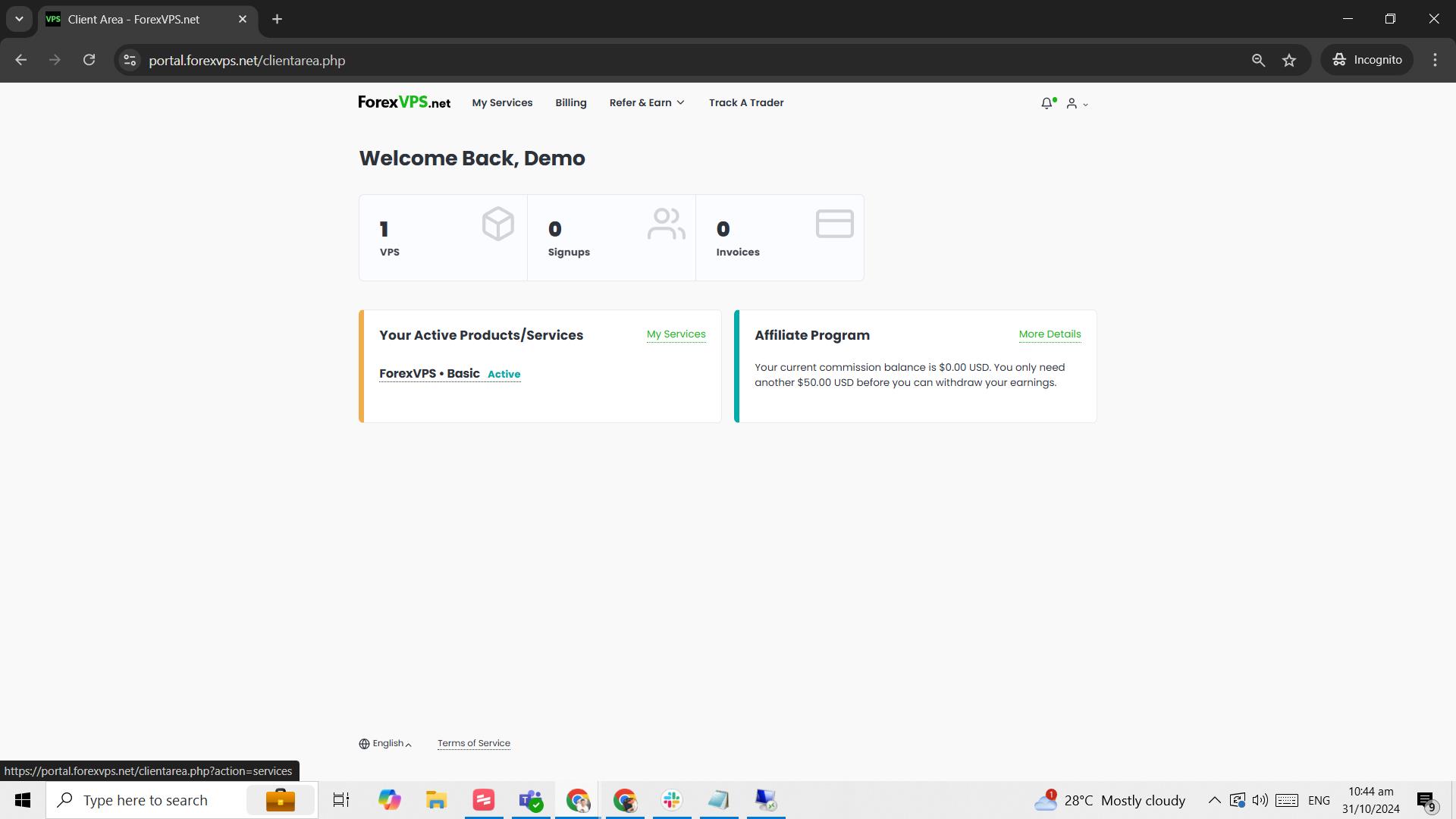
Step 3: Click on the VPS tab
Click on the VPS tab.
Part 2: View Billing Details
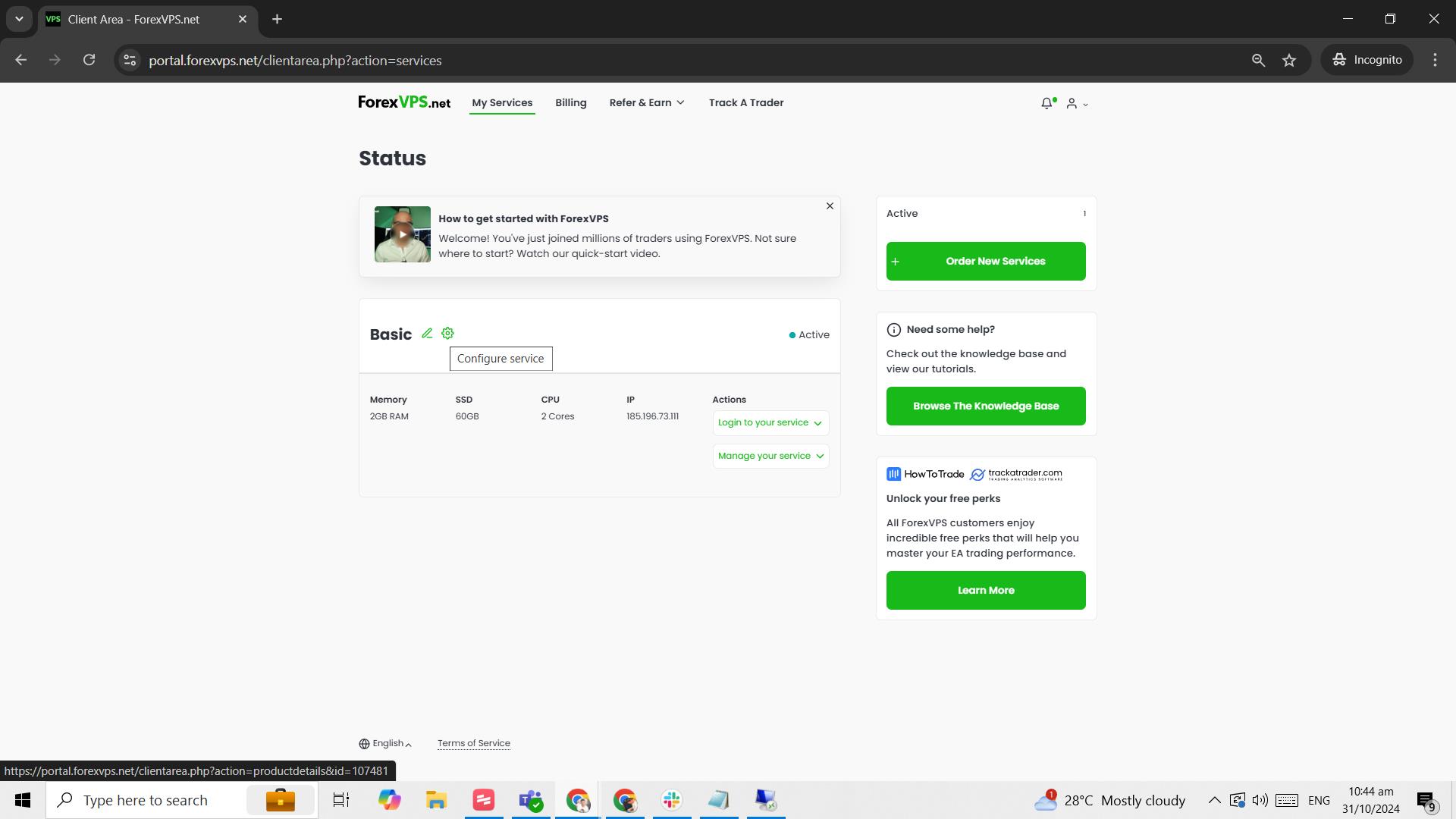
Step 4: Select your VPS and click the gear icon
Select which ForexVPS you want to access (if there are multiple) and click on the gear icon.
Step 5: Review your billing details
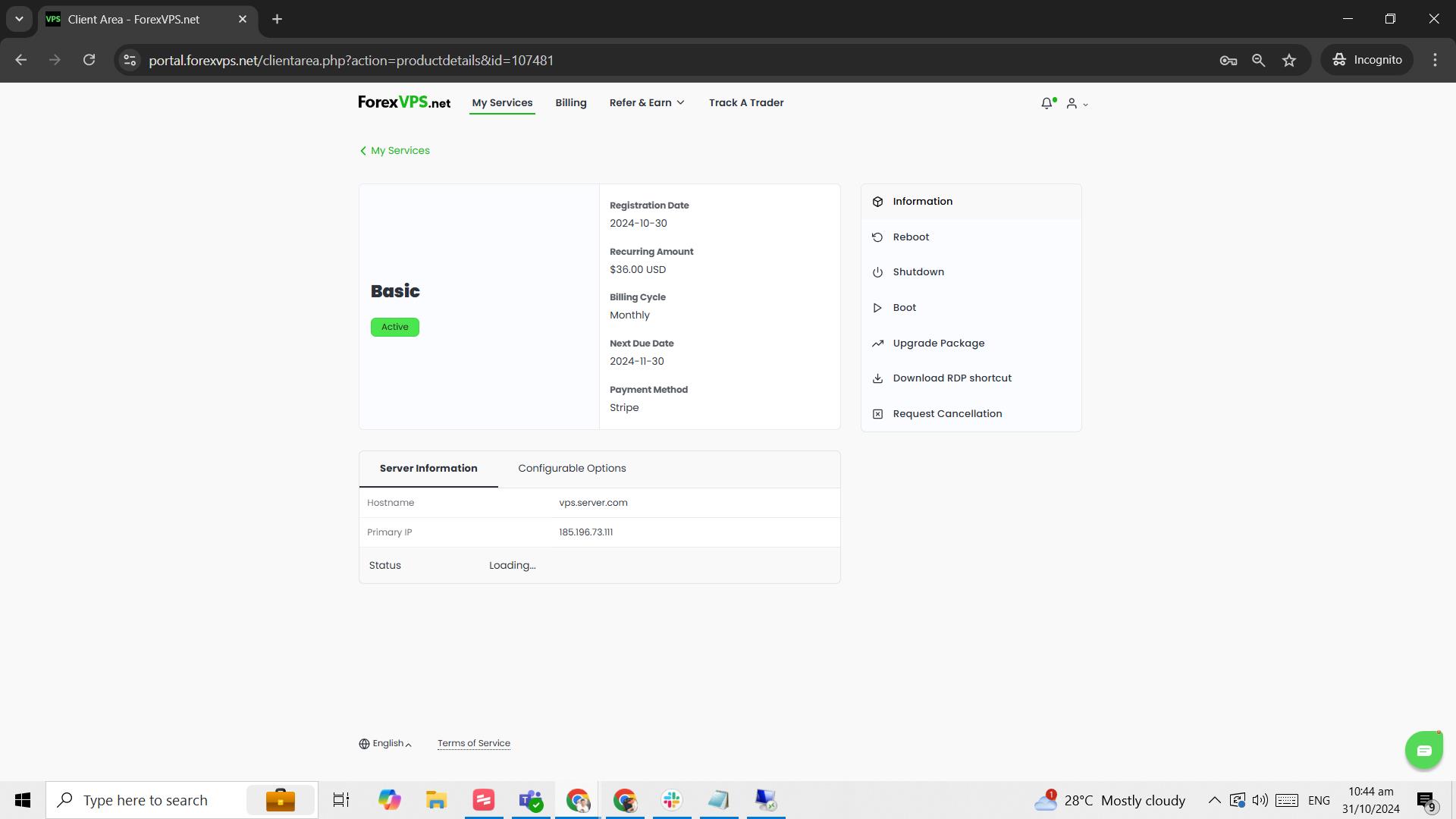
| Field | Description |
|---|---|
| Registration Date | The date you ordered the VPS/server |
| Recurring Amount | The VPS renewal price |
| Billing Cycle | The time period between billing statements |
| Next Due Date | The expected date you need to renew your VPS |
| Payment Method | Your current mode of payment |
Frequently Asked Questions About Your VPS and Dedicated Server Billing Cycle
Still have questions about your VPS and dedicated server billing cycle? Find quick answers below.
Where do I find my VPS’s next due date?
It’s listed as Next Due Date on the VPS settings page, accessible via the gear icon next to your VPS in the client area.
What does Billing Cycle mean?
It’s the time period between billing statements — for example, monthly, quarterly, or annually, depending on your plan.
Can I change my payment method from this screen?
Yes. Your current Payment Method is displayed here, and you can update it through your invoice or account payment settings.
What’s the difference between Registration Date and Next Due Date?
Registration Date is when you first ordered the VPS. Next Due Date is when your next renewal payment is expected.